Reduce Image Size In KB online-Free Image Compressor
Compress an image to 20kb, 50kb, 100kb or any other size while maintaining good visual quality
Key Features:
- Custom File Size – Set a target size such as 20KB, 50KB, or 100KB.
- Multiple Image Support – Process multiple supported images at the same time.
- Popular Formats – Supports JPG, PNG, and WEBP images.
- Simple Interface – Upload an image, choose your target size, and download the result.
- Mobile Friendly – Use the tool from a smartphone, tablet, or computer.
- No Software Required – Everything is available through your web browser.
Reduce Image Online
- Upload your image – Select a JPG, PNG, or WEBP file from your device.
- Enter the target size – Enter the approximate file size you need, such as 20KB, 50KB, or 100KB.
- Start processing – Click the Reduce Size button.
- Check the result – Review the processed image and its file size.
- Download the image – Save the result to your device.
- Always keep a backup of the original image
- Avoid over-compression
- Maintain aspect ratio
- Use appropriate format
- Preview before downloading
- Use WEBP format for websites
- Compress images before uploading
- Use responsive images (different sizes for devices)
- Optimize alt text for SEO
- Use lazy loading for better performance
- Free Image Resizer
- Online Photo Resize Tool
- Crop & Resize Images
- Passport Size Photo Maker
- HD Image Compressor
- ImgPro Resize Tool
- Image to JPG
- Image to JPEG
- HEIC to JPG
- Images to PDF
- JPEG to PNG
- Compress PDF
- Merge PDF Files
- JPG to PDF (100KB)
Large image files can be difficult to upload when a website or application has a strict file-size limit. ImgPro helps you reduce the size of JPG, PNG, and WEBP images to a target size that suits your needs.
The tool can be useful for government and job applications, online forms, websites, email attachments, and social media. Simply upload an image, enter your preferred target size, and download the processed file.
The final image quality can vary depending on the original image, dimensions, format, and amount of compression. For this reason, we recommend checking the result before submitting or publishing it.
What Does Image Compression Do?
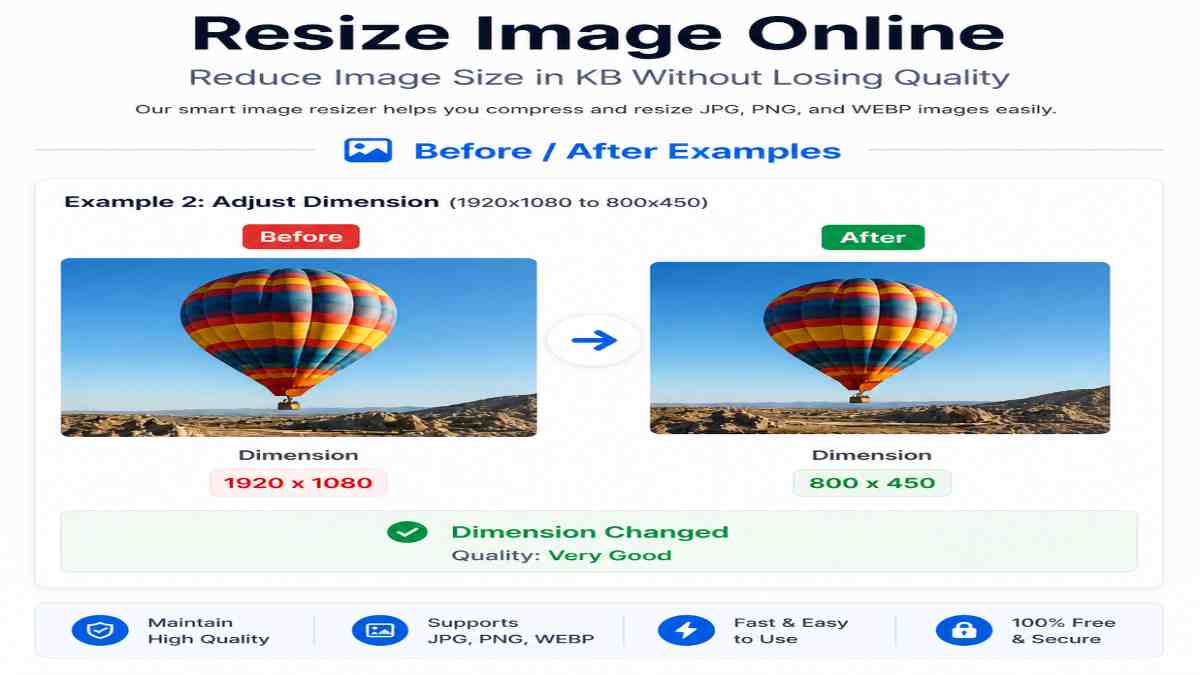
Image compression reduces the amount of data required to store an image. Depending on the image format and compression method, this can reduce the file size while keeping the image visually suitable for its intended use.
For example, an image that is several hundred kilobytes may be reduced to a smaller file size for an online application or website.
The amount of reduction depends on the original image and the target size. Very aggressive compression may affect visual quality, so it is important to preview the result before downloading it.
Why is Image Resizing Important?
Image resizing is not just about reducing file size—it directly impacts performance, usability, and SEO.
1. Faster Website Loading
Large images slow down your website. Optimized images improve page speed and enhance user experience.
2. Why Reduce Image File Size?
Faster Uploads Smaller files generally take less time to upload and download.
3. Easy Upload for Forms
Government forms and job applications often require images within strict size limits.
4. Email & Sharing Convenience
Compressed images are easier to send via email and messaging platforms.
5. Storage Optimization
Smaller images save storage space on your device or server.
How to Reduce Image Size with ImgPro
Using our online tool is simple and does not require any technical knowledge.
If a specific website has its own image dimensions or file-size requirements, check those requirements before uploading your final image.
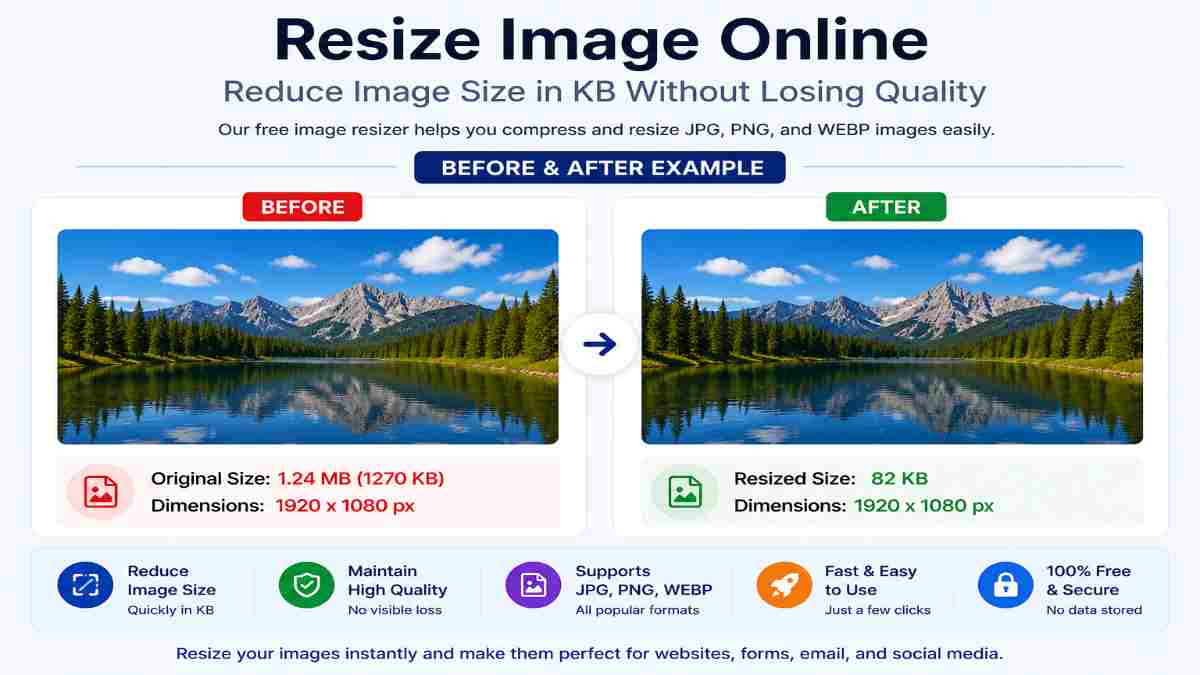
Real Example: Before vs After
| Image Type | Size | |
|---|---|---|
| Original | 500KB | |
| Resized | 100KB |
👉 Result: Reduce image file size while maintaining good visual quality.
Best Image Formats Explained
| Format | Size | Quality | Use Case |
|---|---|---|---|
| JPG | Medium | Good | General photos |
| PNG | Large | High | Transparent images |
| WEBP | Small | Excellent | Web optimization |
👉 Recommendation: Use WEBP format for best performance.
Best Practices for Image Resizing
Common Use Cases
Government Job Applications
Most job portals require images within 20KB–50KB.
Passport Size Photos
Exact dimensions and size are required for official documents.
Website Optimization
Optimized images can reduce page weight and contribute to a better user experience.
Social Media
Reduce images for better display and faster upload.
Advanced Tips for Better Image Optimization
If you want professional-level results, follow these advanced tips:
To get the best results, you can also use
Frequently Asked Questions (FAQ)
1. Can I reduce an image to 20KB, 50KB, or 100KB?
Yes. You can enter a target file size and process the image according to your requirement. The final result depends on the original image and compression level.
2. Will compression reduce image quality?
It can. The amount of quality change depends on the original image, format, dimensions, and target file size. ImgPro aims to maintain good visual quality while reducing file size.
3.Which image formats are supported?
The image compressor currently supports JPG, PNG, and WEBP files.
4. Can I use ImgPro on my phone?
Yes. The tool works through modern mobile and desktop web browsers.
5. Do I need to install software?
No. ImgPro is available online through your web browser.
6. Is ImgPro free?
Yes. The image compressor is available to use online without requiring registration.
7. Are uploaded images permanently stored?
According to our current privacy policy, uploaded images used for compression are processed automatically and are not permanently stored.
8. What should I do if the result is not exactly the size I need?
Try processing the image again with a different target size or format, and always check the final file size before uploading it to another website.
Conclusion
Whether you are a student, job applicant, website owner, or social media user, optimizing your images ensures faster performance and better results.
Our Reduce Image Online Tool provides a simple, fast. Start using it today and experience hassle-free image optimization.